Project Overview
A Discord bot that lets users play Tic-Tac-Toe directly in chat.
README.md
TIC-TAC-TOE DISCORD BOT
This is a simple tic-tac-toe game implemented in discord bot made using discord.py
SETTING UP
-
Installing
Use git commands to clone the repository and setup python venv with python@3.11.1cd <working-directory> git clone https://github.com/Raman-Shakya/DiscordBot-TicTacToe cd DiscordBot-TicTacToe python -m venv env .\env\Scripts\activate.bat pip install -r requirements.txt -
Setting up Discord Bot\
- Goto discord's developers portal
- Create a
New Applicationwith name of your choice - Goto
Botsection - Check on
Message Content Intent - Copy
Tokenby clicking onReset Token - Goto
OAuth2section and toOAuth2 URL Generatorand selectbot - New
BOT PERMISSIONSsections should be created, select required permissions
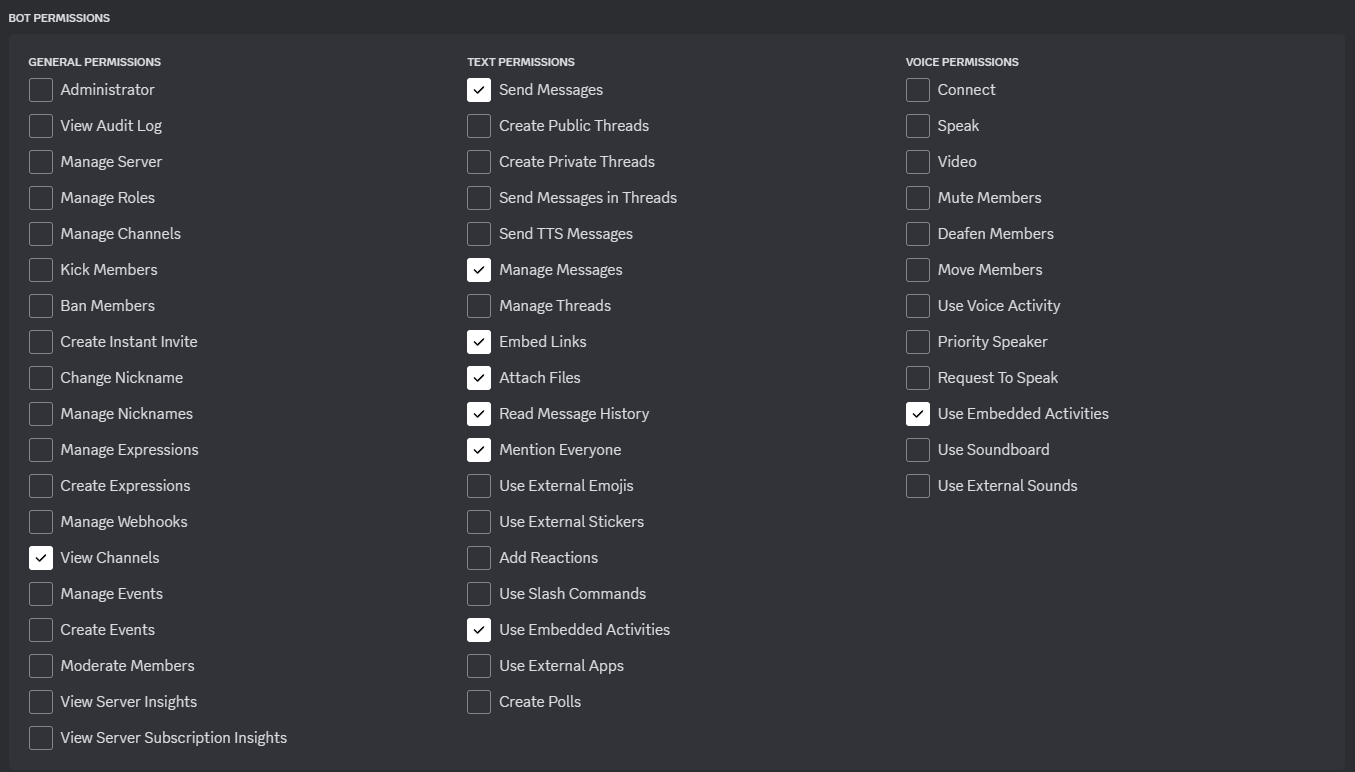
- Select
Guild Installand open theGENERATED URLand select the server you want this bot to add to.
-
Configuring App
We need to let the program know that they it is controlling the bot we just created, for this we create a .env file in the project scopeecho > .envand edit the
.envfile toTOKEN=<Token-copied from discord developers portal earlier>this token is read in
main.pyand logged in usingclient.run(os.getenv('TOKEN')) -
Run the
main.pyfile to start the bot, you should see the bot in the server active after running the code.
Help Command
- Use
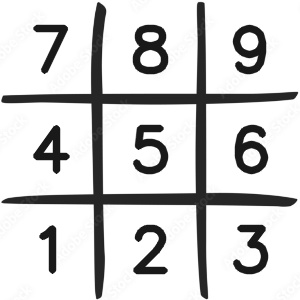
helpcommand to list all the commands available in the bot. - The positions are mapped accordingly.
BOT Modes
There are two modes of the bot
- Single Player
- Multi Player
Single Player
Here, only one person can play the game, it plays with AI which was implemented using minimax algorithm.
Type mode single to switch to single player mode
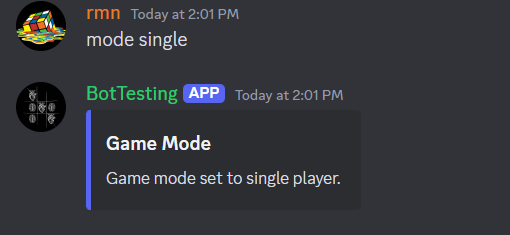
you can also set difficulty level from 1 to 9 using
difficultycommand
Multi Player
Here, two players can play the game, first player is assigned to play for `X` and the second player is assigned to play for `O`. The turns alternate in standard Tic-Tac-Toe Game.
Type `mode multi` to switch to multi player mode.\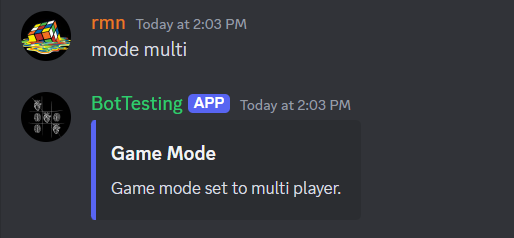
Player Setup
- To play the game players should type the
playcommand first.
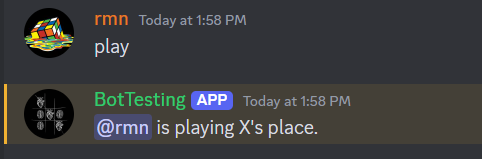
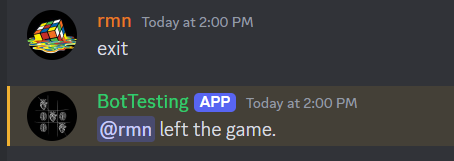
- Players can exit the game by typing the
exitcommand.
- If the game hasn't started yet, the modes are automatically selected when players enter the game.
Game Play
- Game is played using the
placecommand followed by the position given by
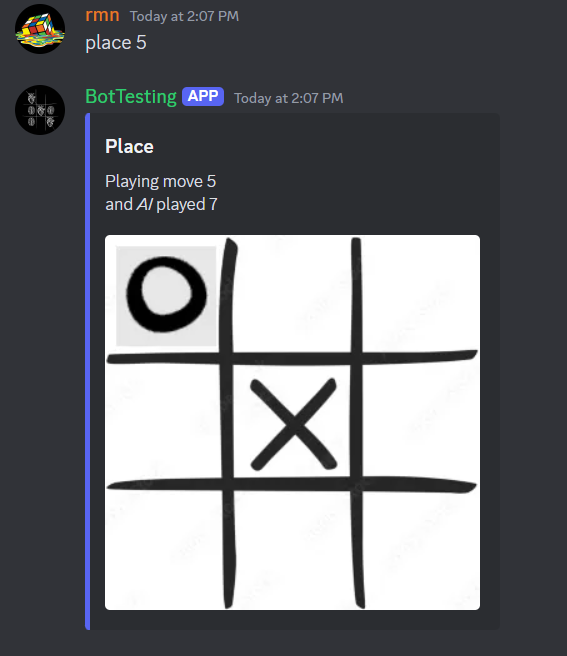
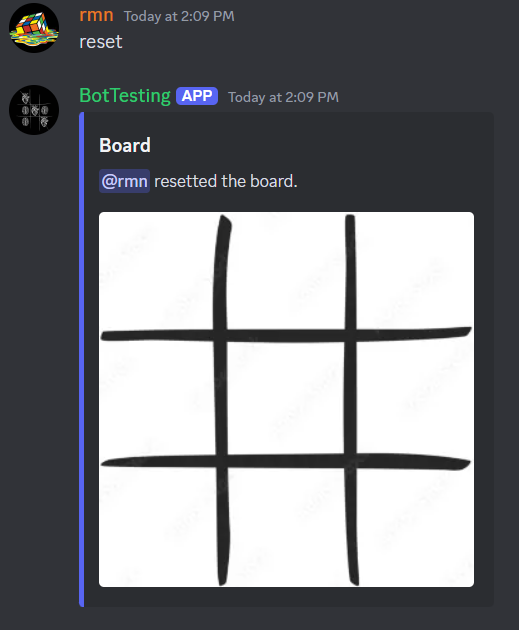
- Use the
resetcommand to reset the game.
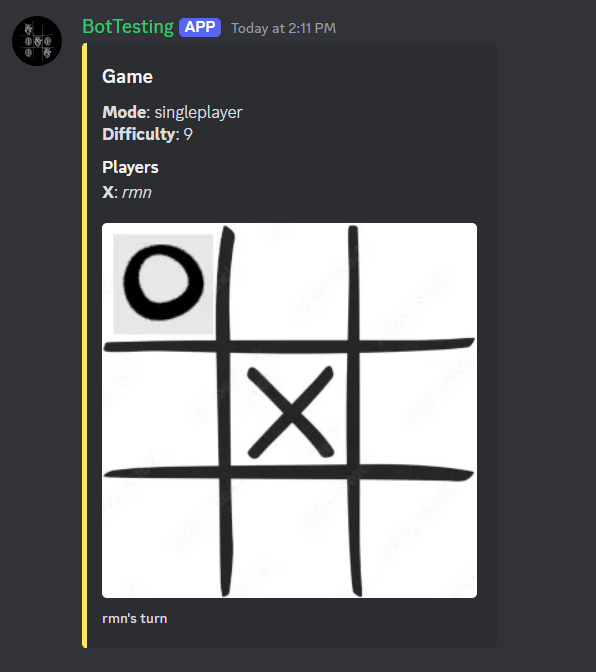
Appearance
- Use
showcommand to show the current state of the game.
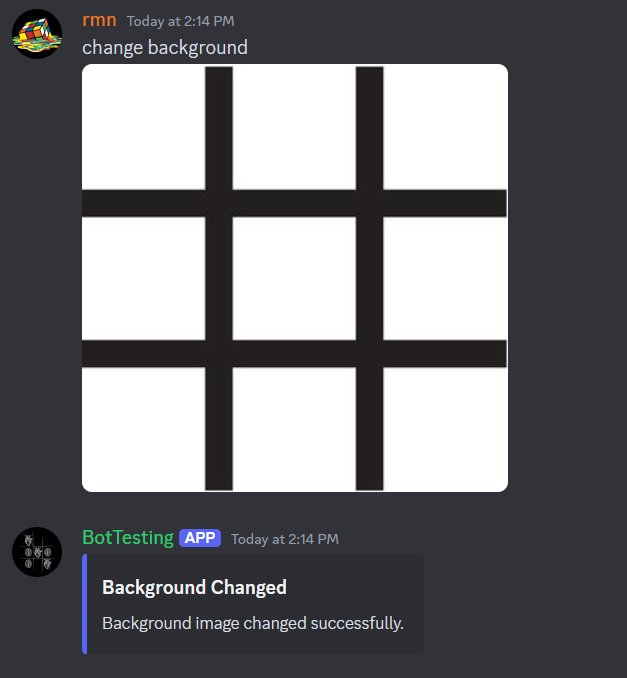
- Use
change backgroundcommand with attached background image to change the background of the board.
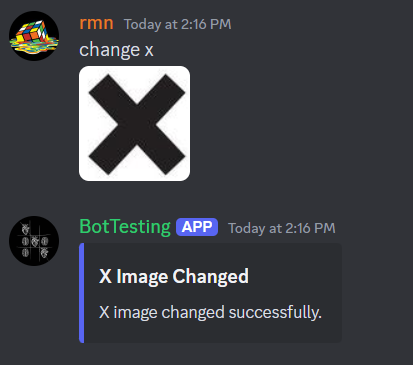
- Use
change Xcommand with attached image forXto change the image forX.
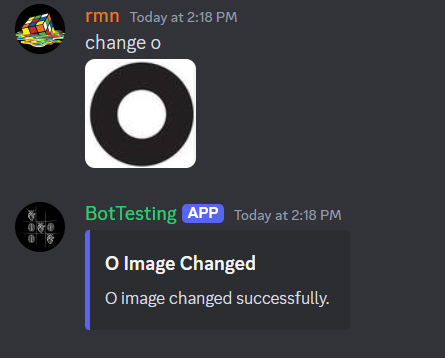
- Use
change Ocommand with attached image forOto change the image forO.
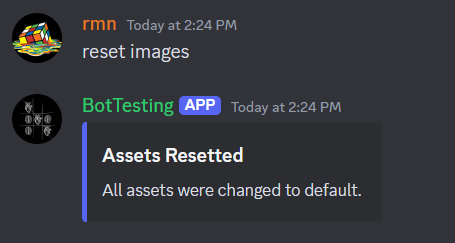
- Use
reset imagesto change all images to default image.
Contribute
- You can fork this repository and make changes and finally request a pull request to merge your changes in this repository.
- If you find any issues with this repository then you may open a issue on
issuessection